01
Meet the requirement
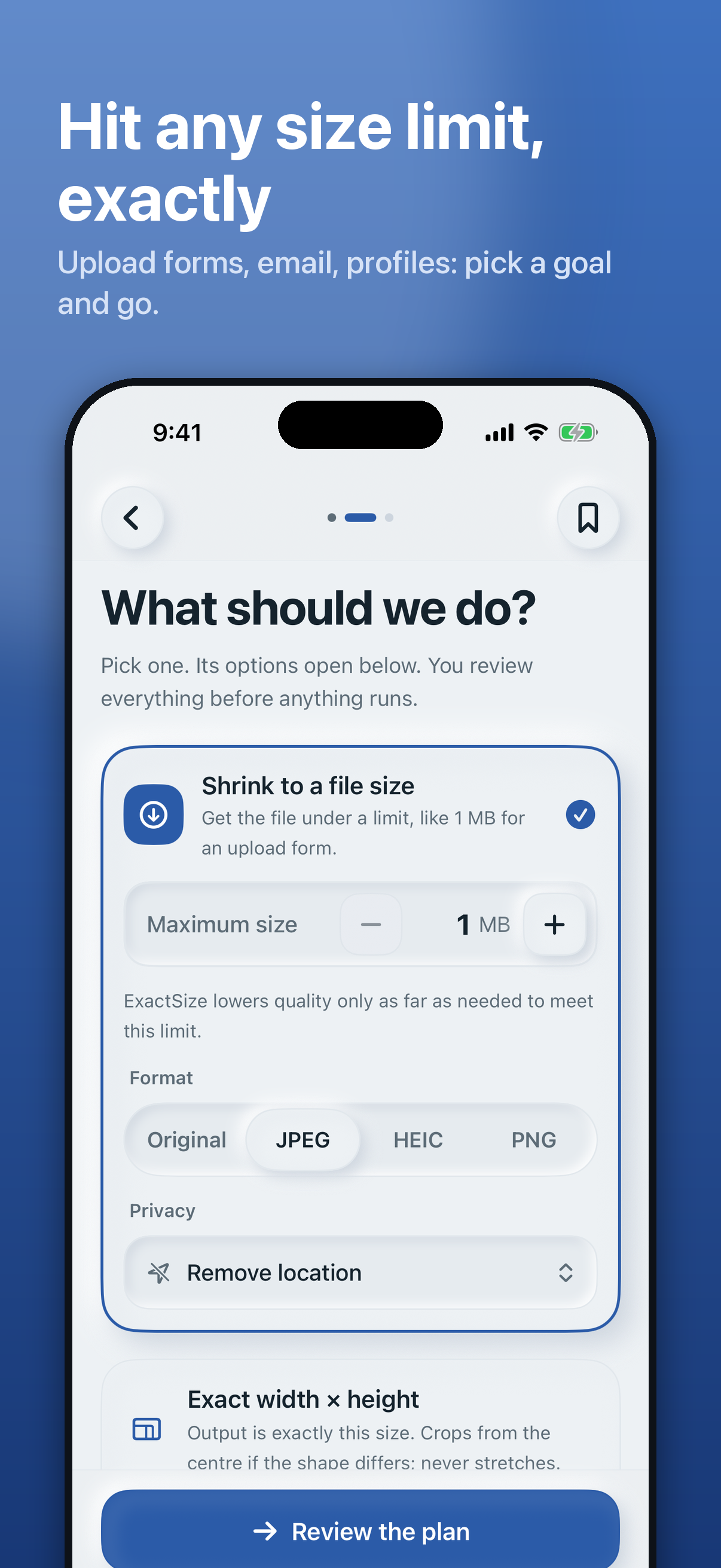
Set exact dimensions, a longest edge, or a maximum file size before you process.
 ExactSizeComing soon
Private photo preparation
Resize, compress, convert, and remove private metadata directly on your iPhone or iPad. No uploads. No account.
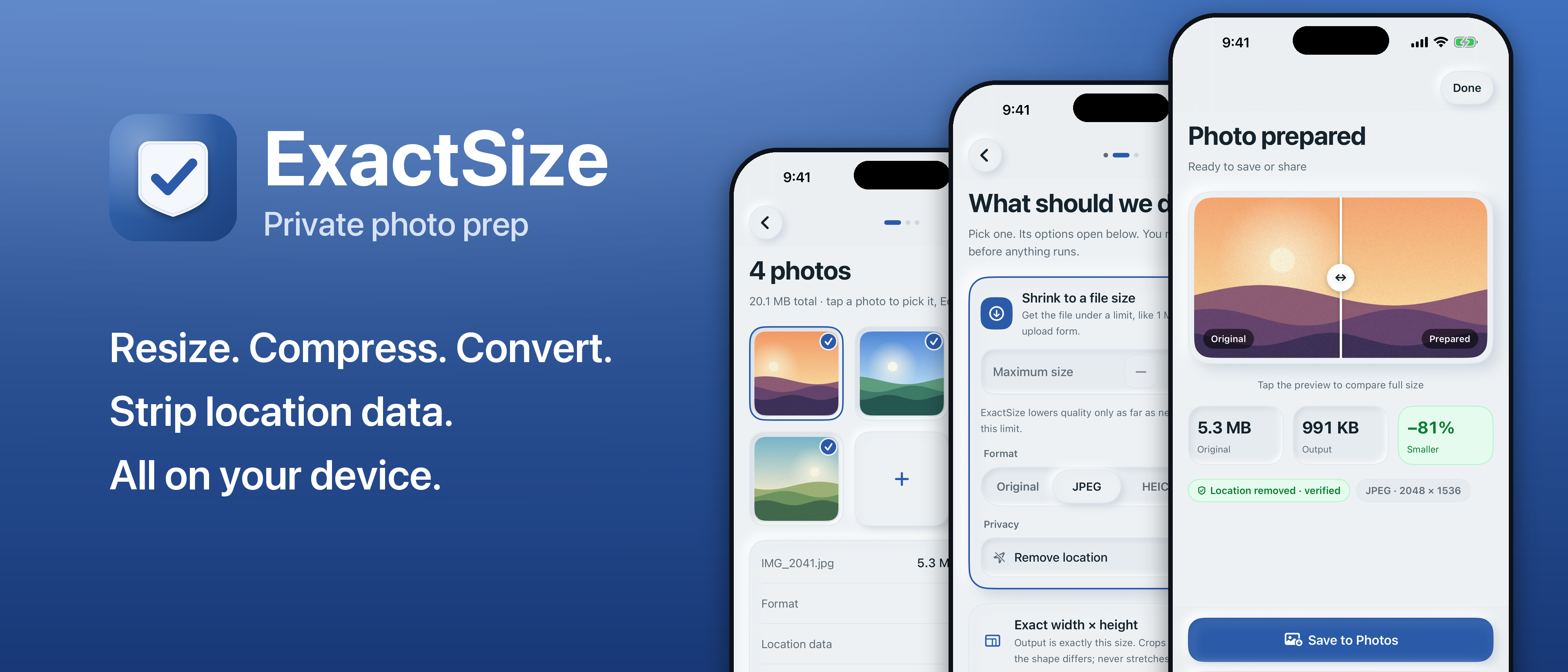
Privacy isn’t a feature switch. It is how ExactSize works: your supported photos are prepared entirely on your device.
Read the privacy detailsWhether a portal needs 1600 × 1600 pixels, an attachment must stay under 1 MB, or a listing should not expose a location, ExactSize keeps the job simple.
Set exact dimensions, a longest edge, or a maximum file size before you process.
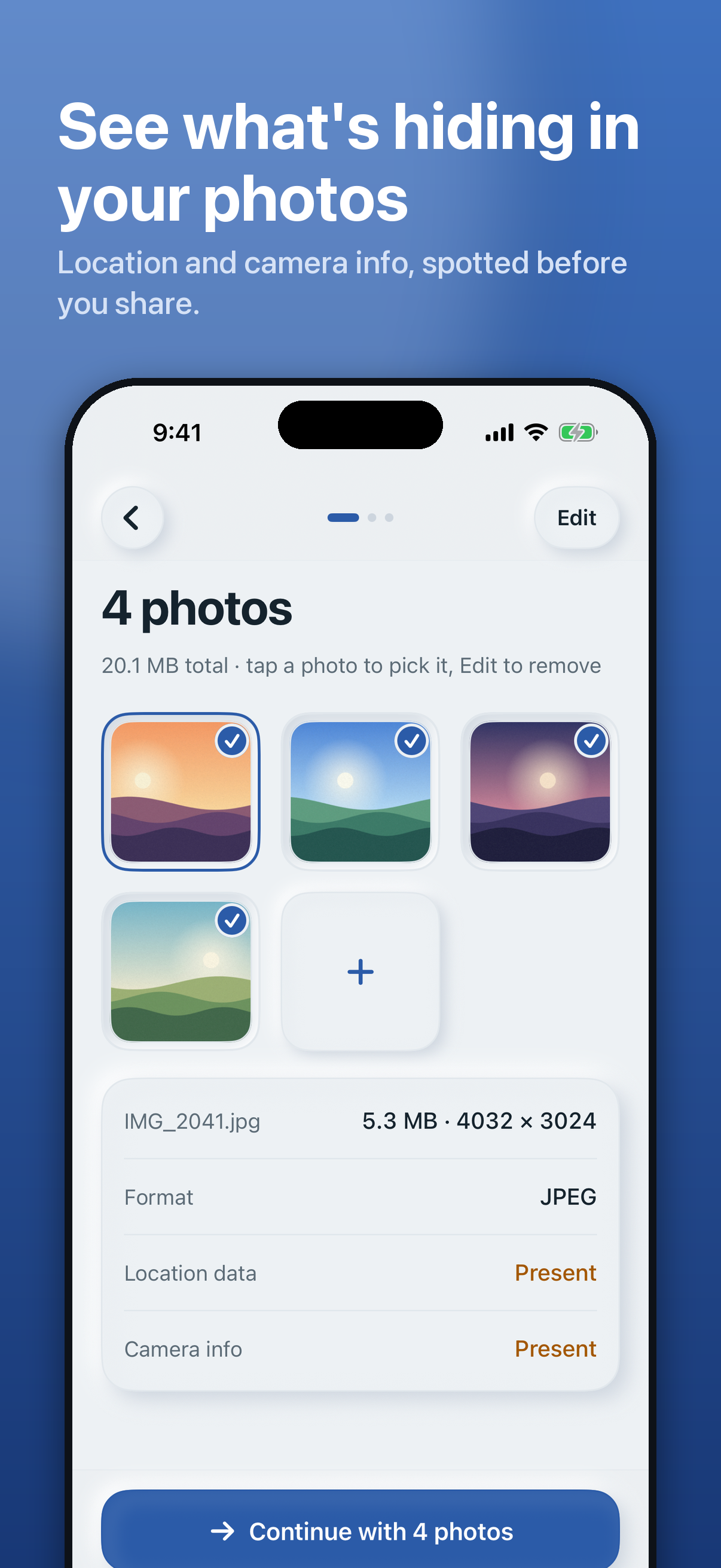
Choose how location, camera, and other private metadata are handled before sharing.
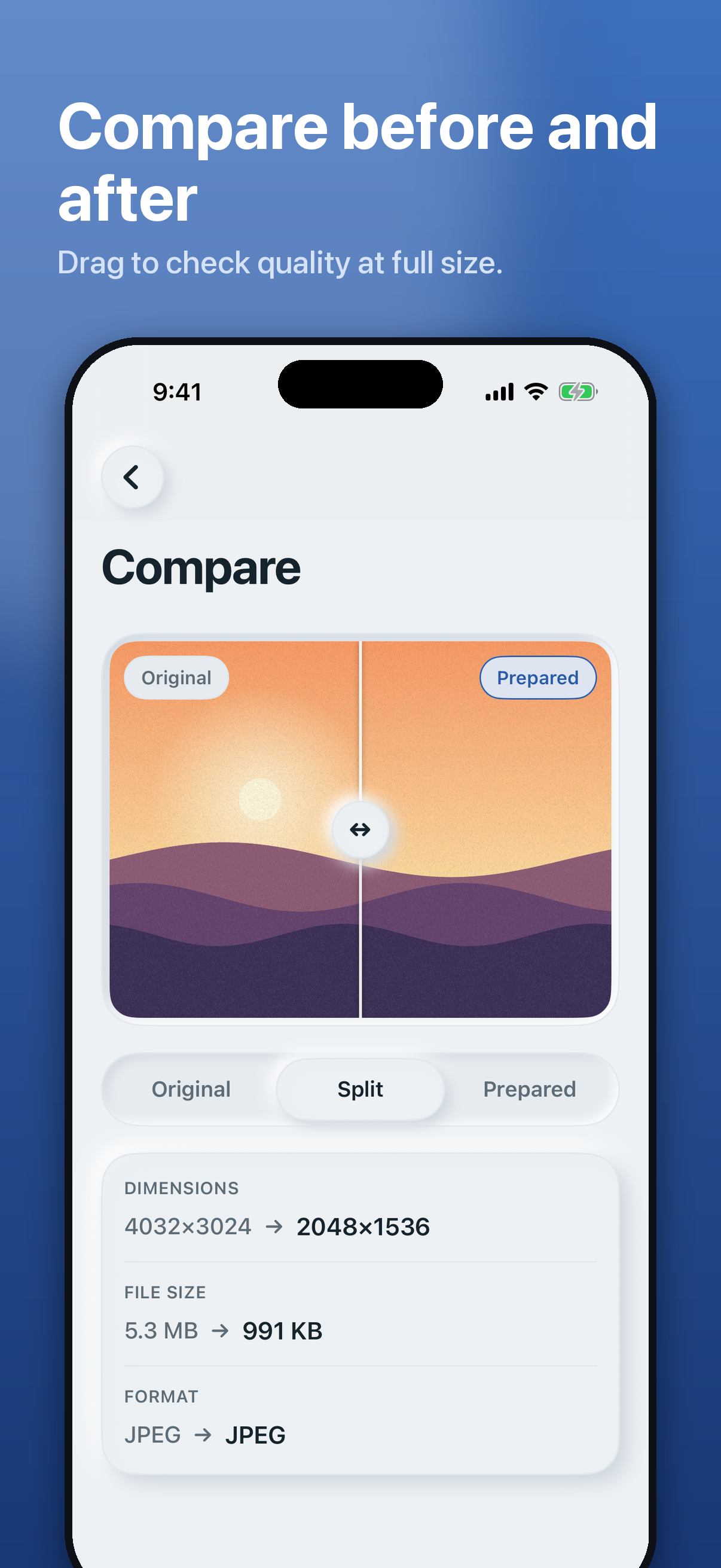
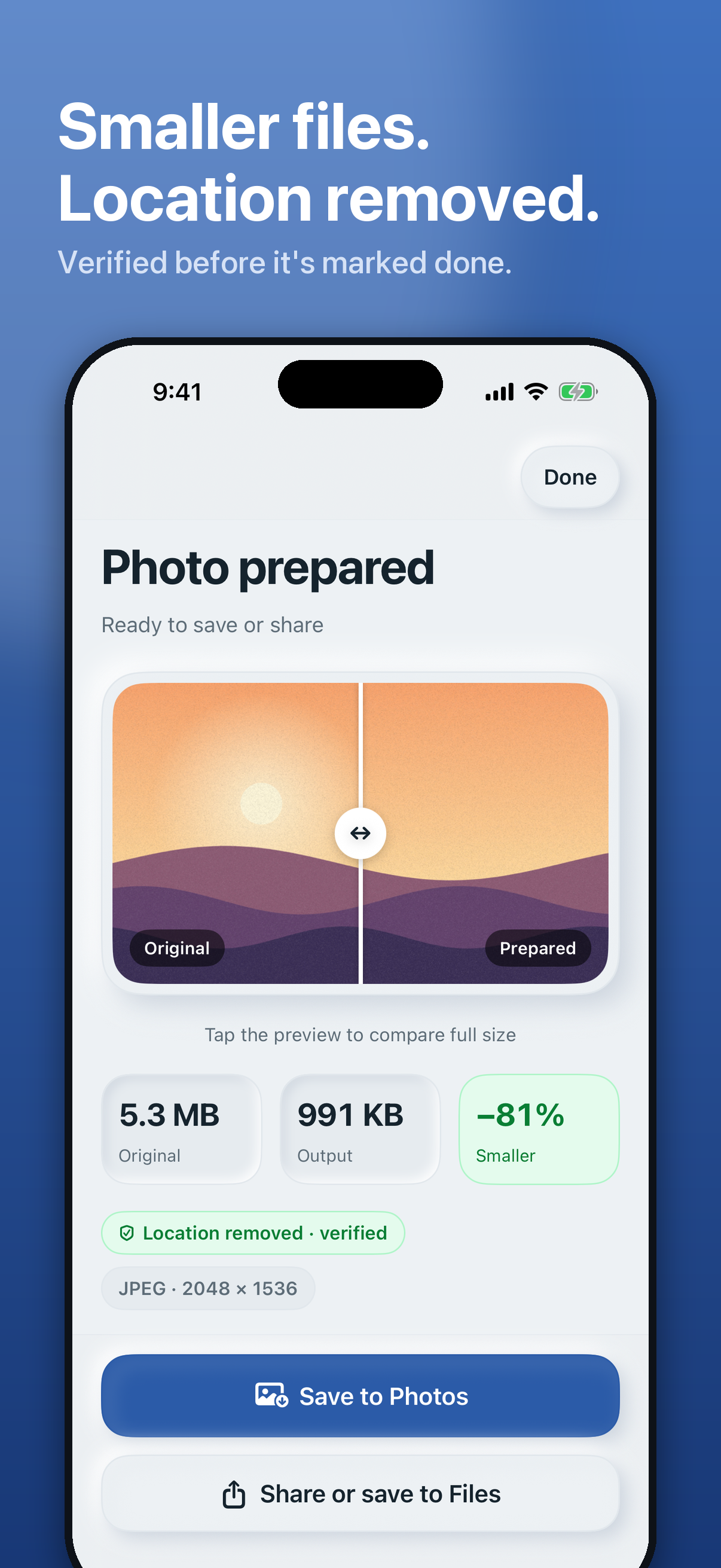
Compare the prepared file with the original, then save to Photos, Files, or share it.
Purposeful, not complicated
Made for photos that should stay yours
ExactSize does not need an account to prepare a photo. It does not upload the photo or its metadata for processing.
When you choose a privacy profile, ExactSize validates the prepared output before presenting removal as complete.
Privacy policyNo. ExactSize processes supported photos locally on your iPhone or iPad. It does not require an account or a backend.
It can resize images, target a maximum file size, convert supported formats, and remove selected metadata before you share.
Version 1 supports JPEG, HEIC/HEIF, and PNG input. JPEG and HEIC are available output choices, with PNG output included in Pro.
No. It creates a separate prepared copy, leaving your original photo untouched.
The App Store release is in preparation. This site will link to the listing once it is live.
ExactSize for iPhone and iPad
The App Store release is being prepared. Check back here for the official download link.